Apple Card 'Cannot Be Used' Error Forcing Users to Remove and Re-add Cards
If your Apple Card has suddenly stopped working, you are not alone. Apple's system status page indicates there is an issue that has resulted in some Apple Card users receiving a "this card cannot be used" error in the Wallet app since early Tuesday.
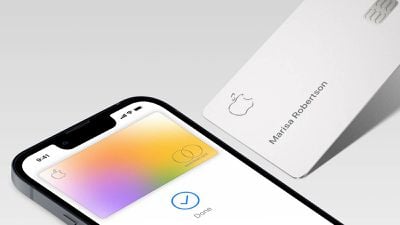
Apple says affected users should tap the "Remove Card" option and then re-add the Apple Card to the Wallet app by tapping the plus sign in the top-right corner, choosing Previous Cards, and following the on-screen instructions. Apple says transaction history will reappear after the card is re-added, suggesting this an annoying but harmless glitch.
It's unclear how widespread the issue is or if only certain iOS versions are affected. Apple did not share any additional details.
Launched in 2019, the Apple Card remains exclusive to the United States. Apple's credit card can be managed completely through the Wallet app on the iPhone, with a physical version available for use at stores that do not accept contactless payments.
Update: Apple says the issue has been resolved.
Popular Stories
iOS 26.4 was released today, and it includes a couple of new features for CarPlay: an Ambient Music widget and support for voice-based chatbot apps.
To update your iPhone 11 or newer to iOS 26.4, open the Settings app and tap on General → Software Update. CarPlay will automatically offer the new features so long as the iPhone connected to your vehicle is running iOS 26.4 or later....
Apple today announced Apple Business, a new all-in-one platform that unifies device management, productivity tools, and customer outreach features.
The service is designed to be a consolidated replacement for several of Apple's existing business-focused offerings, including Apple Business Essentials, Apple Business Manager, and Apple Business Connect. It provides organizations with a single...
Apple today released new firmware for the AirPods Pro 2, AirPods Pro 3, and the AirPods 4. The firmware has a version number of 8B39, up from 8B34 on the AirPods Pro 3, 8B28 on the AirPods Pro 2, and 8B21 on the AirPods 4.
There is no word on what's included in the firmware, but Apple has a support document with limited notes. Most updates are limited to bug fixes and performance...
























