How to Enable TikTok Dark Mode - MacRumors
Skip to Content

How to Enable TikTok Dark Mode

by

Every self-respecting app has a dark mode, so why should TikTok [App Store] be any different? Especially given that it's the sort of app you could end up scrolling through endlessly at 2 a.m. in the morning.

tiktok logo
Any respite from that blinding white interface is likely to be welcomed by your poor bleary eyes, which is why it's always a good idea to turn on TikTok's Dark mode.

That said, it's worth noting that TikTok's dark theme won't cause any change in your experience when viewing videos on the For You page. But it will darken all the other sections of the app, such as the Discover section or your profile. Here's how to turn it on.

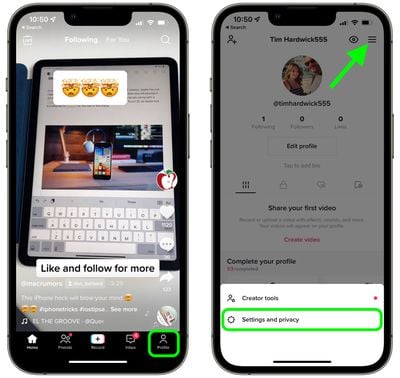
  1. Launch the TikTok app on your iPhone.
  2. Tap the Profile button in the bottom-right corner of the screen.
  3. Tap the hamburger (three lines) icon in the top-right corner, then tap Settings and privacy in the prompt that appears at the bottom of the screen.
    1tik tok enable dark mode

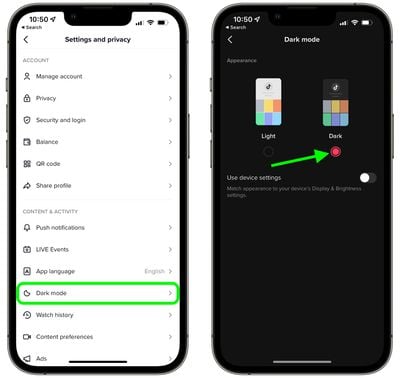
  4. Under "Content & Activity," select Dark mode.
  5. Tap the radio button for Dark to enable Dark mode.
    2tik tok enable dark mode

That's all there is to it. Note that the last screen includes an optional switch that you can toggle on so that TikTok conforms with your system-wide setting for Light/Dark mode.


Tag: TikTok

Popular Stories

iOS 26

iOS 26.4 Adds Two New Features to CarPlay

Tuesday March 24, 2026 1:55 pm PDT by
iOS 26.4 was released today, and it includes a couple of new features for CarPlay: an Ambient Music widget and support for voice-based chatbot apps. To update your iPhone 11 or newer to iOS 26.4, open the Settings app and tap on General → Software Update. CarPlay will automatically offer the new features so long as the iPhone connected to your vehicle is running iOS 26.4 or later....
Apple Business hero

Apple Unveils 'Apple Business' All-in-One Platform

Tuesday March 24, 2026 8:53 am PDT by
Apple today announced Apple Business, a new all-in-one platform that unifies device management, productivity tools, and customer outreach features. The service is designed to be a consolidated replacement for several of Apple's existing business-focused offerings, including Apple Business Essentials, Apple Business Manager, and Apple Business Connect. It provides organizations with a single...
AirPods Pro Firmware Feature

Apple Releases New Firmware for AirPods Pro 3, AirPods Pro 2 and AirPods 4

Tuesday March 24, 2026 12:31 pm PDT by
Apple today released new firmware for the AirPods Pro 2, AirPods Pro 3, and the AirPods 4. The firmware has a version number of 8B39, up from 8B34 on the AirPods Pro 3, 8B28 on the AirPods Pro 2, and 8B21 on the AirPods 4. There is no word on what's included in the firmware, but Apple has a support document with limited notes. Most updates are limited to bug fixes and performance...