

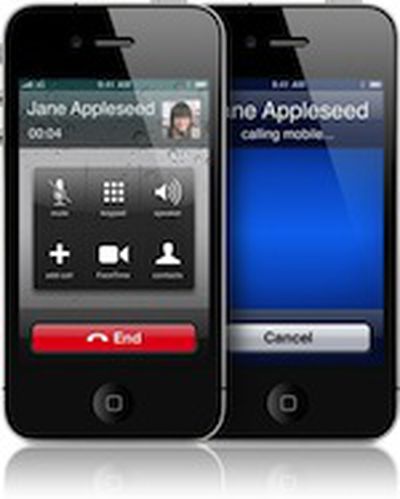
While Apple's iPhone 4 signal loss issues have been receiving significant attention since the device's launch late last month, a number of other problems have been seeing sporadic reports, and one of the most prevalent of late has been problems with the device's proximity sensors designed to sense when the phone is held up to the user's face and deactivate the device's screen, thus preventing unintended activation of buttons on the display.
Noted early on, the topic has received considerable attention on Apple's support discussions and in our own forums (1, 2, 3), with users reporting either that the proximity sensors fail to turn off the display during calls, resulting in unintended hangups and other actions, or that the sensors failed to turn the display back on after a call, resulting in a black screen.
Macworld has summarized the effort of those seeking to address the issue, with some users reporting success with resetting some of their iPhone's settings.
Many affected users report that either a Settings reset or a hard reboot fixes their problem. One Apple support thread recommends that users open the Settings app, then go to General -> Reset, and choose "All Settings" at the top (note: this will not erase your apps, media, or other data -- that's what the "Erase All Content and Settings" button just below this option is for. "Reset All Settings" just reverts any Settings preferences you've customized back to their factory defaults). One Twitter follower, Brian Partridge, reported that AppleCare told him to just use Reset -> Reset Network Settings, not all settings, and it worked.
While many users have reported being unable to replicate the issue, suggesting that it may not be a universal fault, a significant number of users are experiencing proximity sensor-related problems. Apple has yet to comment on the issue, and it is unclear whether it is a hardware or software problem, although the majority of observers are leaning toward the software explanation. If so, users can hold out hope that a simple software update, such as that planned for the signal strength issue in the next few weeks, may be able to fix the issue.















































